Export the model you already have, convert the analytical skeleton, and review the result. NodeSnap connects the steps so each revision doesn’t send you back to the beginning.
Export your ArchiCAD project as SAF or IFC. No extra plugins. No special modelling rules. Just your design, ready for the next step.
Native SAF and IFC exchange
Geometry, sections, and materials
A traceable source for every element
A CONNECTED SEQUENCE
Three steps. One source of design intent.
01
Export from ArchiCAD
Start with a SAF or IFC export of the architectural project. Keep track of the source revision so the structural team knows which design they are reviewing. NodeSnap’s workflow uses these existing exchange formats without an extra plugin.
02
Prepare the analytical skeleton
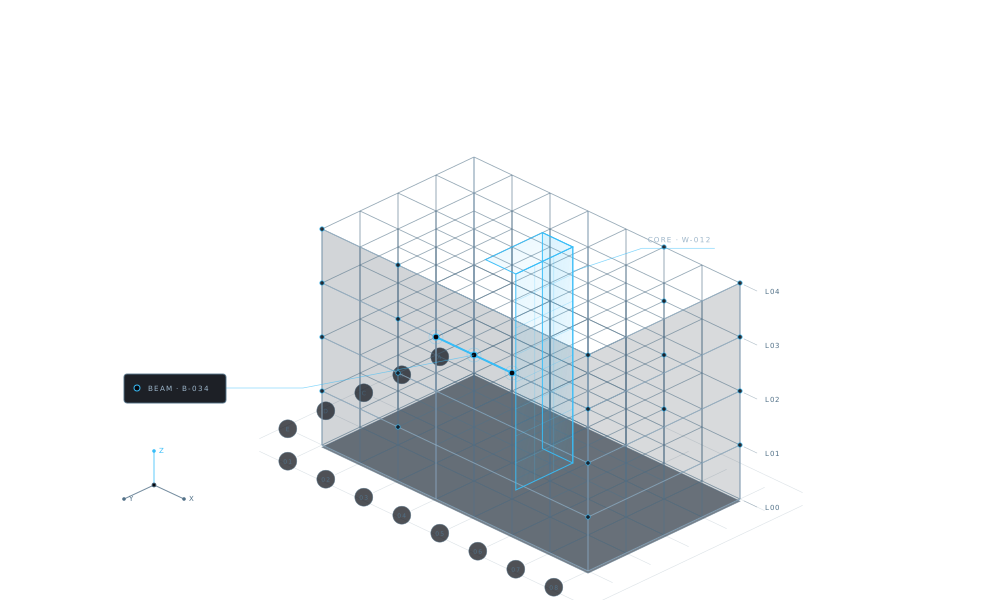
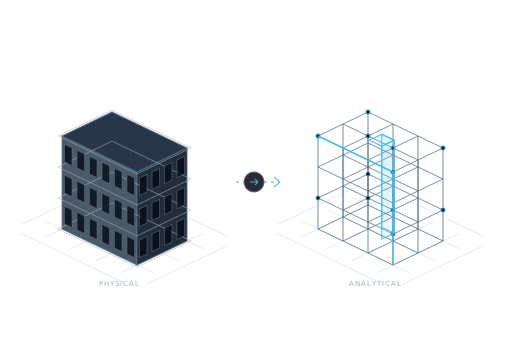
NodeSnap extracts structural geometry, sections, materials, and supports. It resolves junctions, snaps nodes, and aligns members to prepare a coherent LIRA-SAPR analytical model.
03
Verify, then continue into analysis
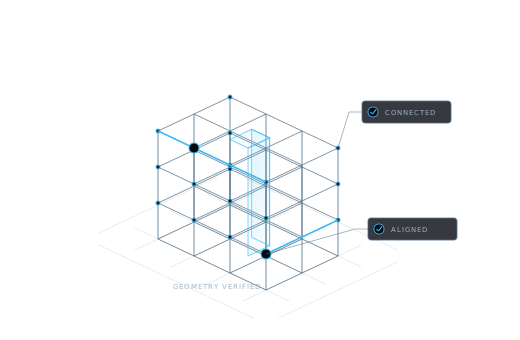
Compare the converted elements against the source. Review geometry, axes, sections, and materials, resolve flagged discrepancies, then continue the engineering workflow in LIRA-SAPR.
THE NEXT REVISION
A design change becomes an update, not a restart.
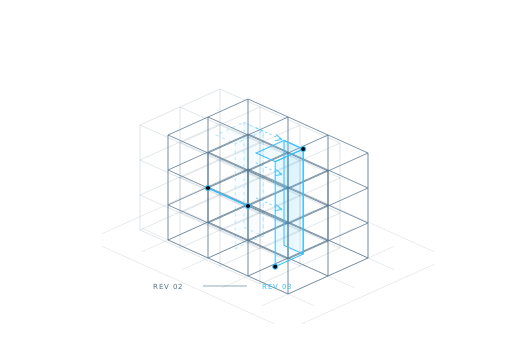
When the architect revises the design, NodeSnap compares the new upload with the previous source and identifies the elements that changed.
The revision workflow updates those elements while preserving your loads and assumptions. Review the consequences of the design change, then continue with the engineering work already in place.
ARCHICAD → NODESNAP → LIRA-SAPR ILLUSTRATIVE MODEL
What moves through the workflow.
Input
Preparation and review
Next step
ArchiCAD SAF or IFC export
Geometry and structural information are read from the source.
An analytical skeleton is prepared.
Converted analytical model
Elements are checked against source geometry, axes, sections, and materials.
The engineer reviews the model for LIRA-SAPR analysis.
Revised architectural export
The new source is compared with the preceding revision.
Changed elements are updated; engineering assumptions are reviewed.