
Geometry
Compare the converted element with the architectural source. Review its location and extent in the context of the intended structural system.
Moving geometry between tools is only part of the job. NodeSnap checks the converted elements against the architectural source, so the analytical model can be reviewed before analysis.
Book a demoAn analytical model simplifies a building into the elements and relationships used for structural analysis. That transformation needs to be deliberate: the model should stay connected to the design information it represents.
NodeSnap compares converted elements with their source and flags discrepancies. The purpose is to make the details that need attention visible before you continue into LIRA-SAPR.
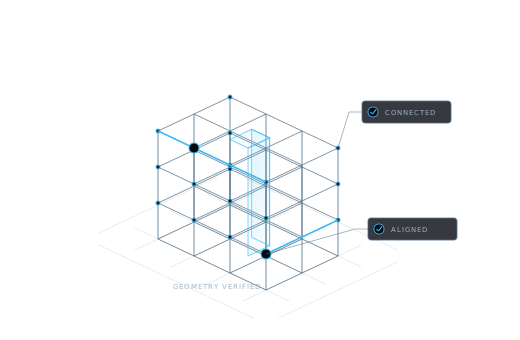
Compare the converted element with the architectural source. Review its location and extent in the context of the intended structural system.
Check how analytical members align and connect. Geometry that appears adjacent in an architectural view still needs a coherent analytical relationship.
Compare the section assigned to the analytical element with its source information, so section differences can be reviewed before analysis.
Check material assignments against the source model. Resolve discrepancies with the project’s engineering assumptions in view.
Source comparison supports engineering review; it does not replace it.
| Stage | NodeSnap’s role | Engineer’s role |
|---|---|---|
| Conversion | Prepare the analytical skeleton; align members and snap nodes. | Review whether the idealization represents the intended structural behavior. |
| Verification | Check geometry, axes, sections, and materials against the source. | Resolve discrepancies and confirm project-specific assumptions. |
| Revision | Identify changed elements and update the model while preserving loads and assumptions. | Revisit any assumptions affected by the revised structural arrangement. |
| Analysis | Provide the prepared analytical model for the LIRA-SAPR workflow. | Run analysis and take responsibility for the design and its applicable requirements. |
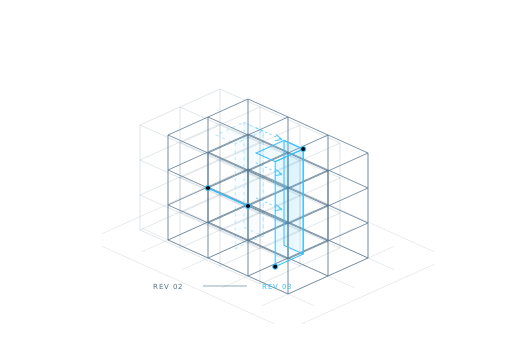
NodeSnap’s revision workflow preserves loads and assumptions while updating changed elements. This keeps prior engineering work from being discarded whenever the architectural source changes.
A preserved assumption may still need to be reconsidered. A shifted wall, altered span, or changed section can affect the structural model’s meaning. The responsible engineer reviews those consequences before the next analysis.
Explore source comparison and engineering review in a demo.
Book a demo